The Wrong Move Revised Version – Sara Krim 4D Final

According to critiques I got in class, I decided to go back and revise some things on my project. For feedback, I got to change the panic color from red to yellow, and to make the music a little more quieter. I went ahead and fixed that, and tried to also play around with contrast, highlights, the flickering, etc.

Updated version: https://drive.google.com/file/d/19zhK9-GRPGBGi8jyph2oV3itrXdDKqpn/view?usp=drive_link

The Wrong Move – Sara Krim 4D Final

A short film that shows the experience and feeling of panic from making the wrong move within a game.

Google folder with all content: https://drive.google.com/drive/u/1/folders/1cYx7vD6xTK4fu4dVKKLlmjcFtafoTiMF

The Film: https://drive.google.com/file/d/1pTbi_AB0jXx9rs-h9lcr-2gMEM7LstUT/view?usp=drive_link

Process

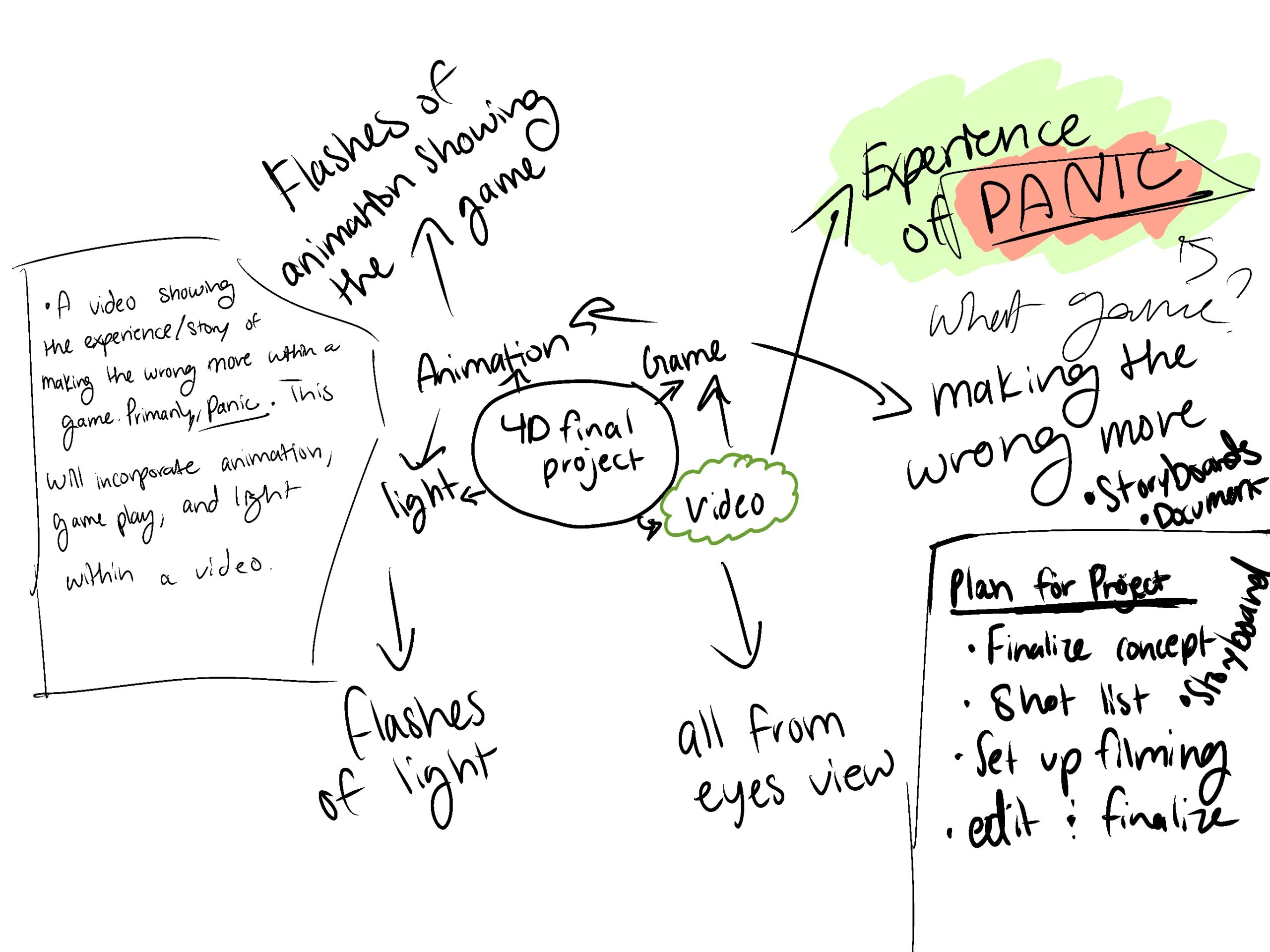
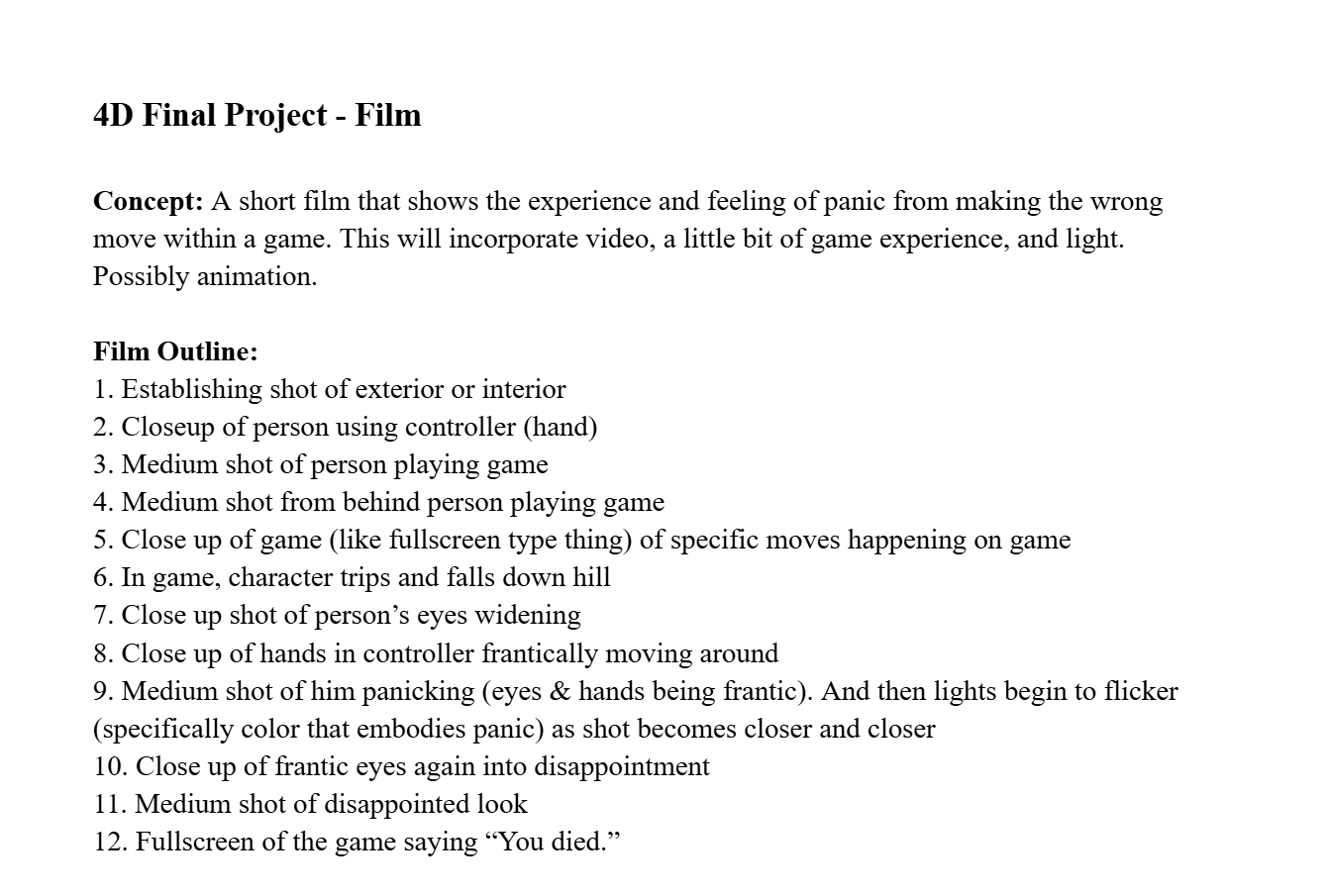
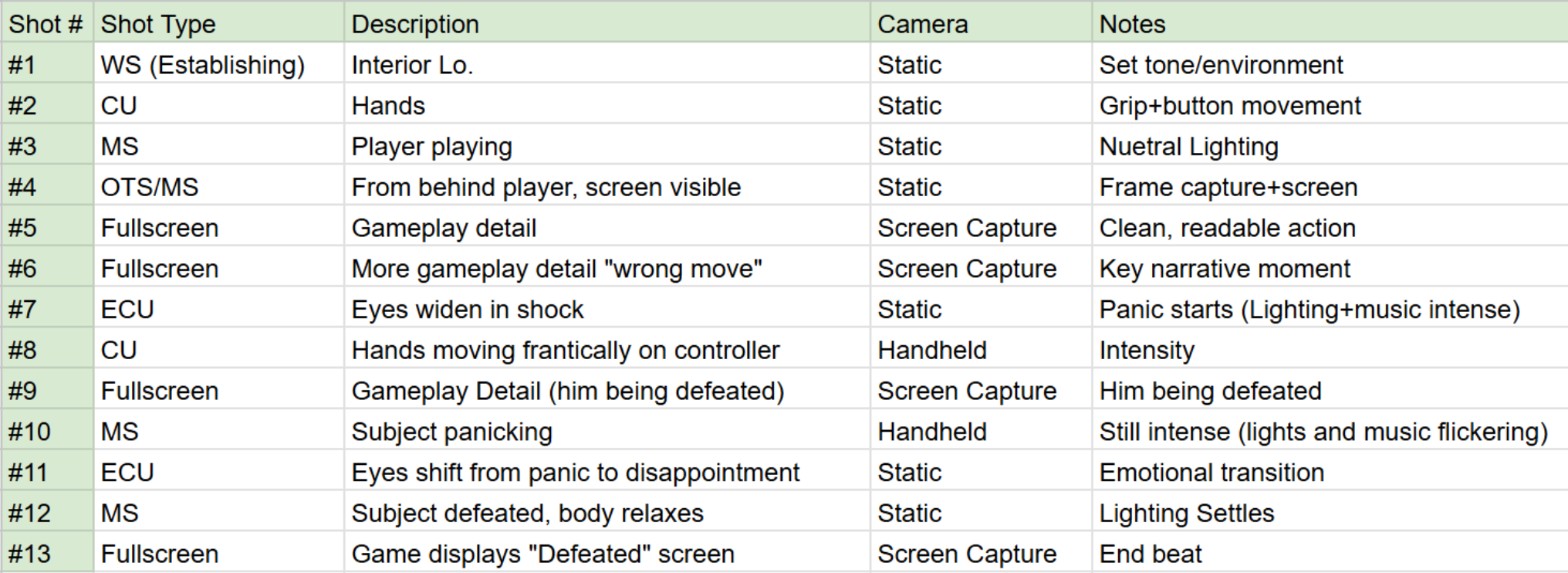
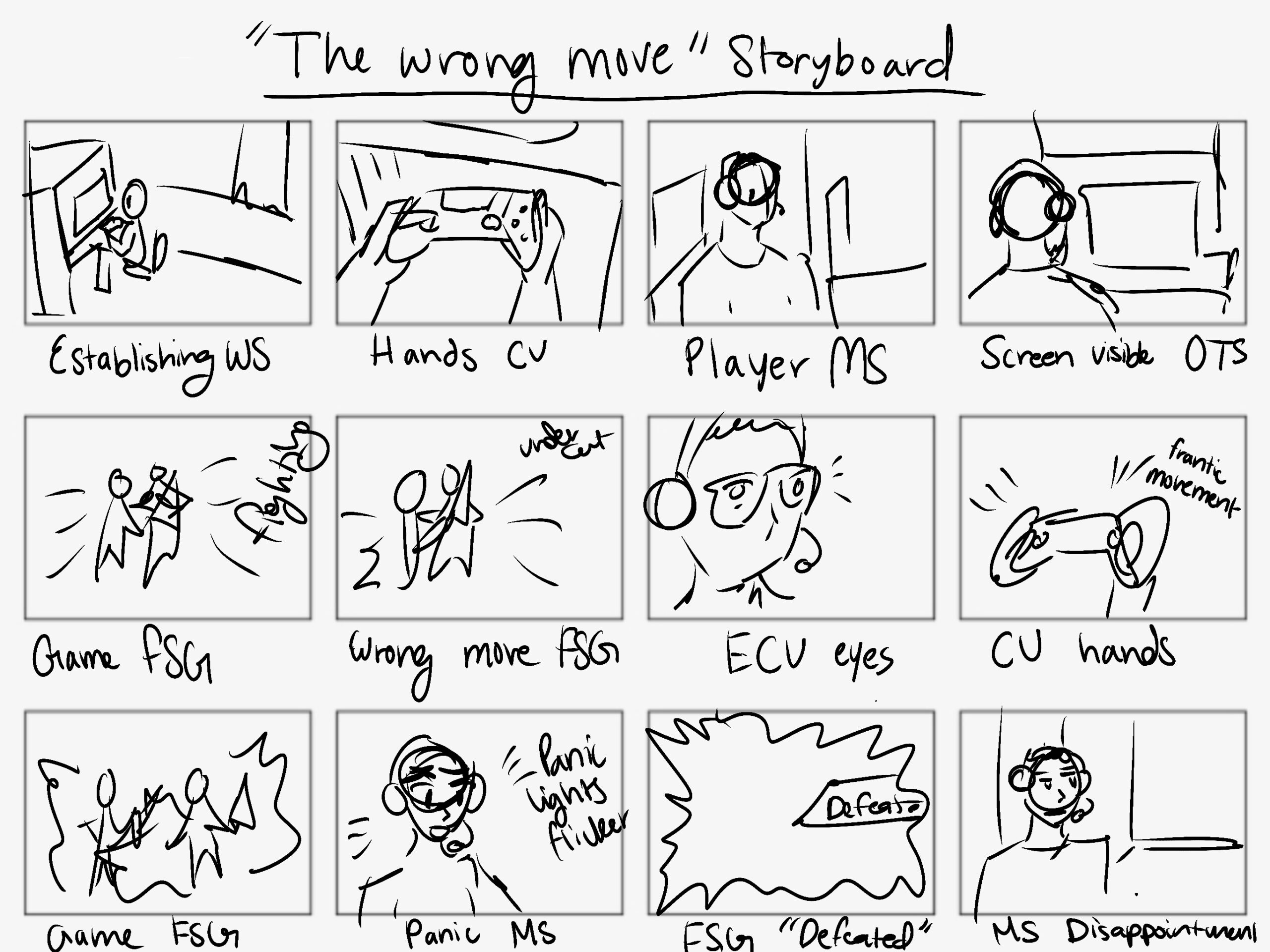
Throughout making this short film, this was my process. I started off with creating my mind map, and I really wanted to try and incorporate as many topics as I could. I ended up incorporating video and performance, game experience, and lighting. Once getting the concept down, I came up with an outline of shots for the film and made it into a professional shot list for filming. I also created a storyboard to envision how I wanted the film to look like. I then found an actor with a good location to use, got the camera and equipment, and set up production. 

During filming, I used natural lighting, and used a mix of static, screen capture, and handheld movement. I also did a variety of shot styles in accordance to what was happening. For example, when the “panic” started, I utilized an extreme close up of the actors eyes. I followed the shot list with the freedom to get a mixture of not mentioned shots as well. 

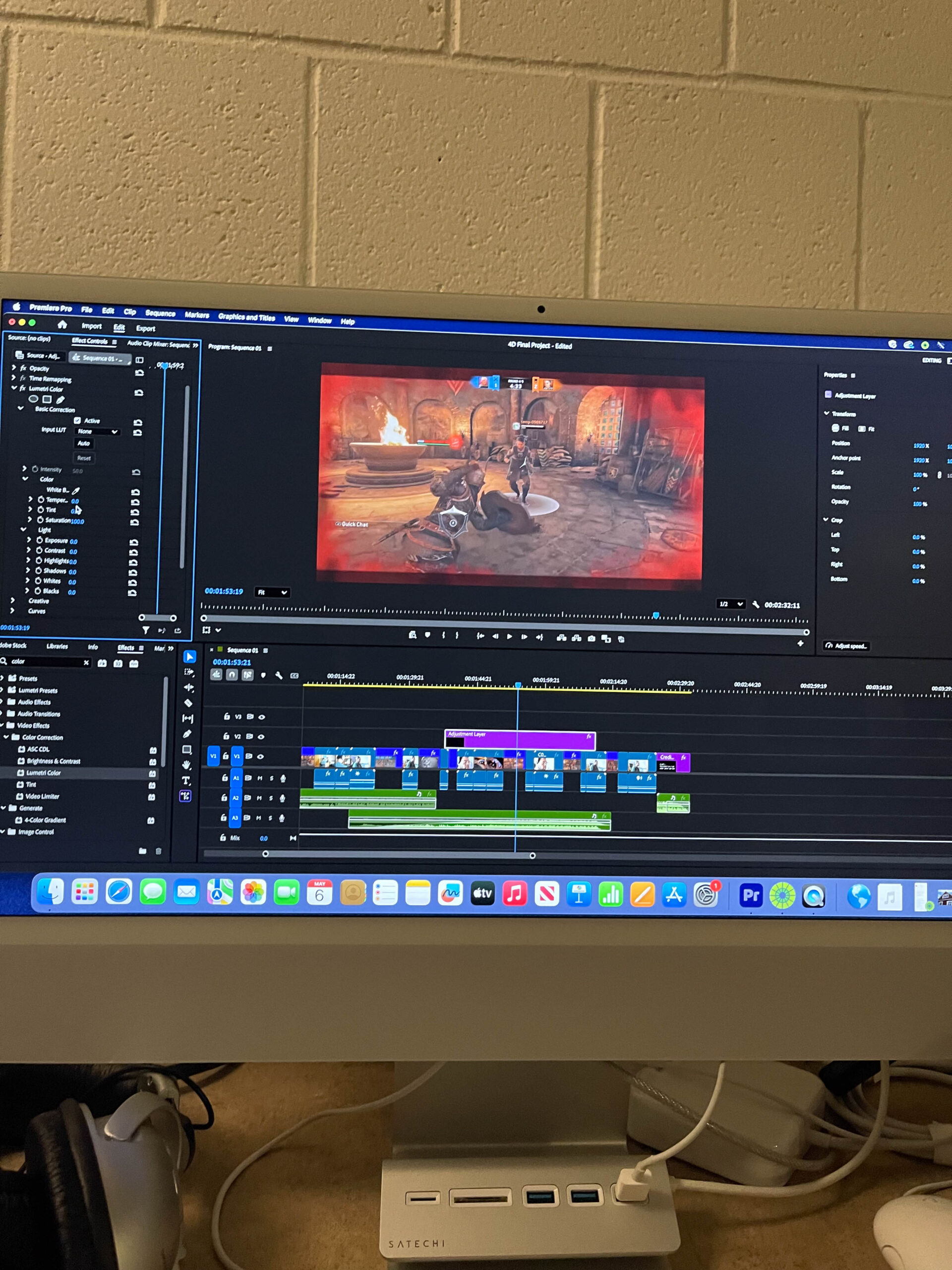
Once editing the footage, I was able to put the timeline of footage together and manipulate light and sound to fit accordingly. I used Adobe Premiere Pro, and learned how to use adjustment layers for the flickering and intensity of light to encapsulate the “panic” feeling, and ultimately the switch to defeat at the end. 

Overall, this process allowed me to translate conceptual ideas into a structured visual narrative while experimenting with lighting, performance, and editing techniques to enhance emotional impact. 

Documentation

Mind Map:

Concept and Film Outline:

Shot List:

Storyboard:

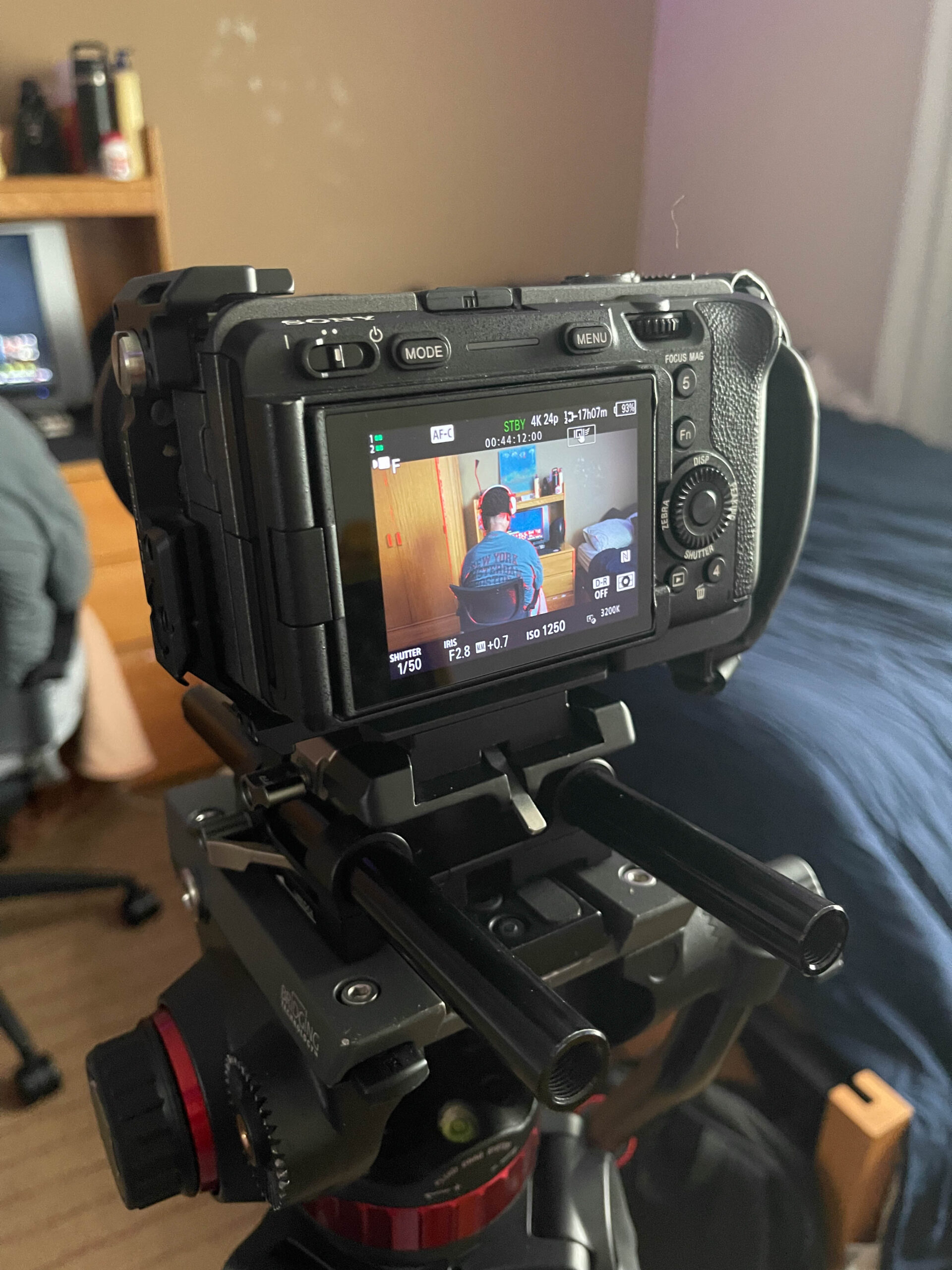
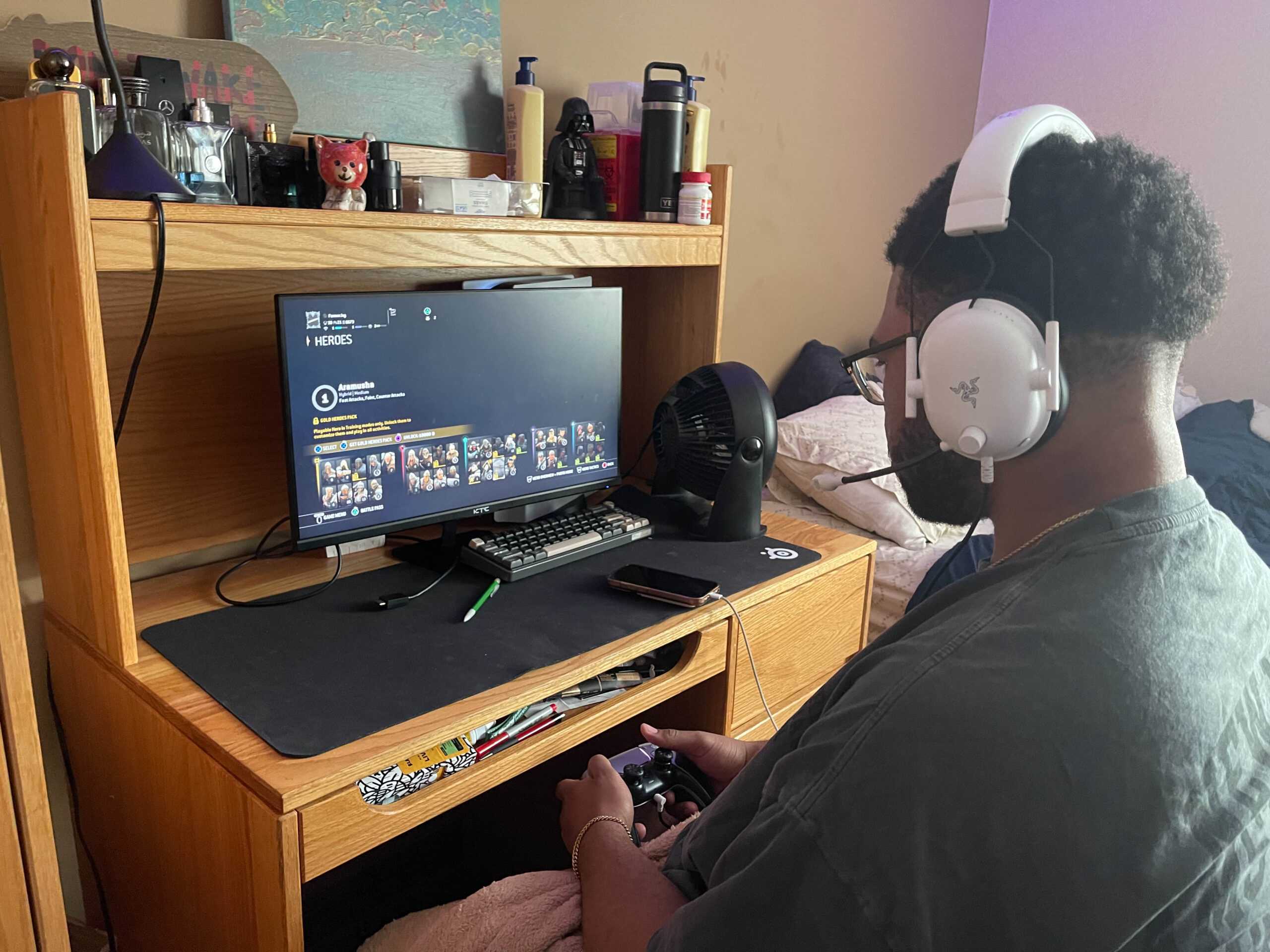
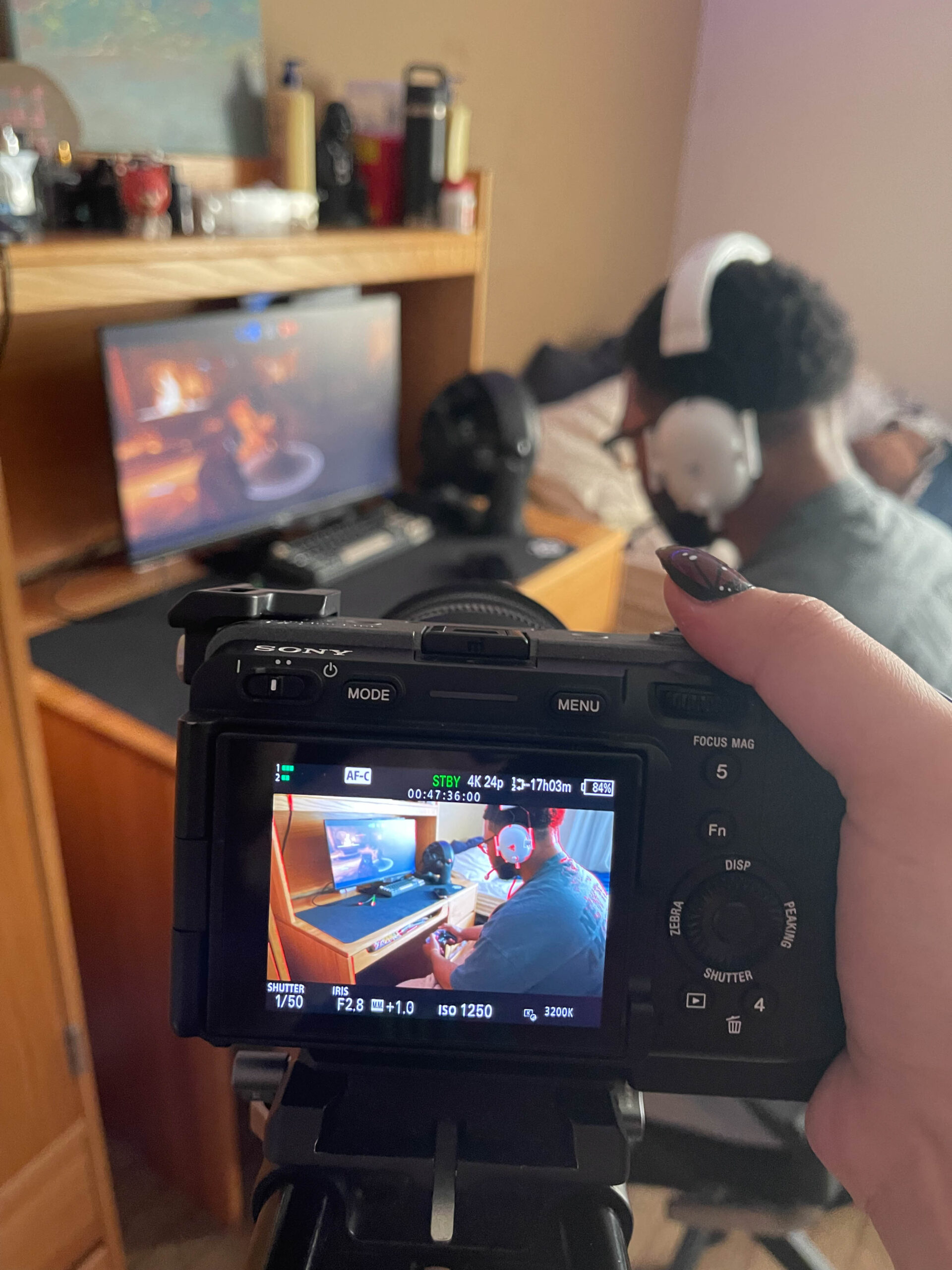
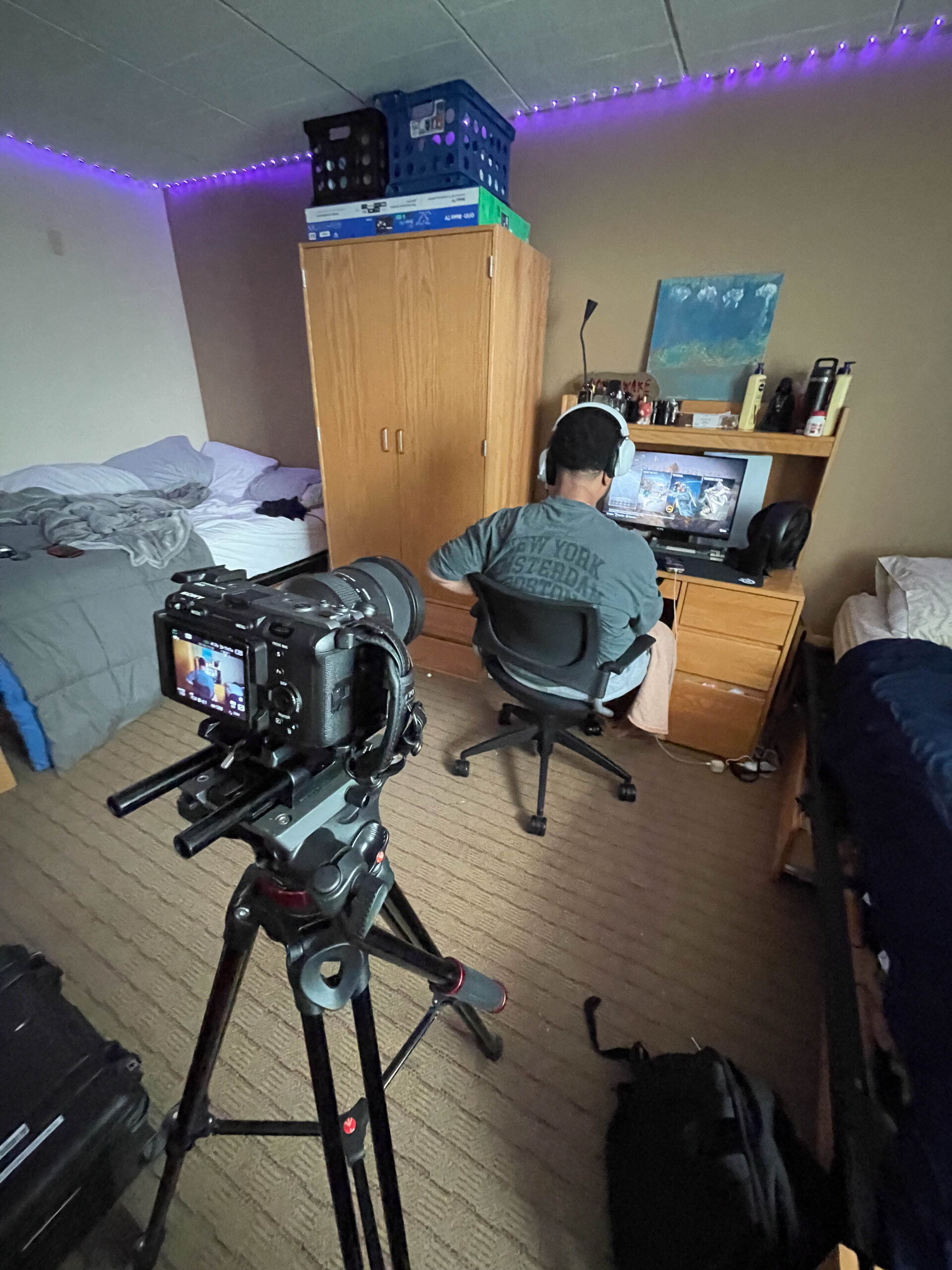
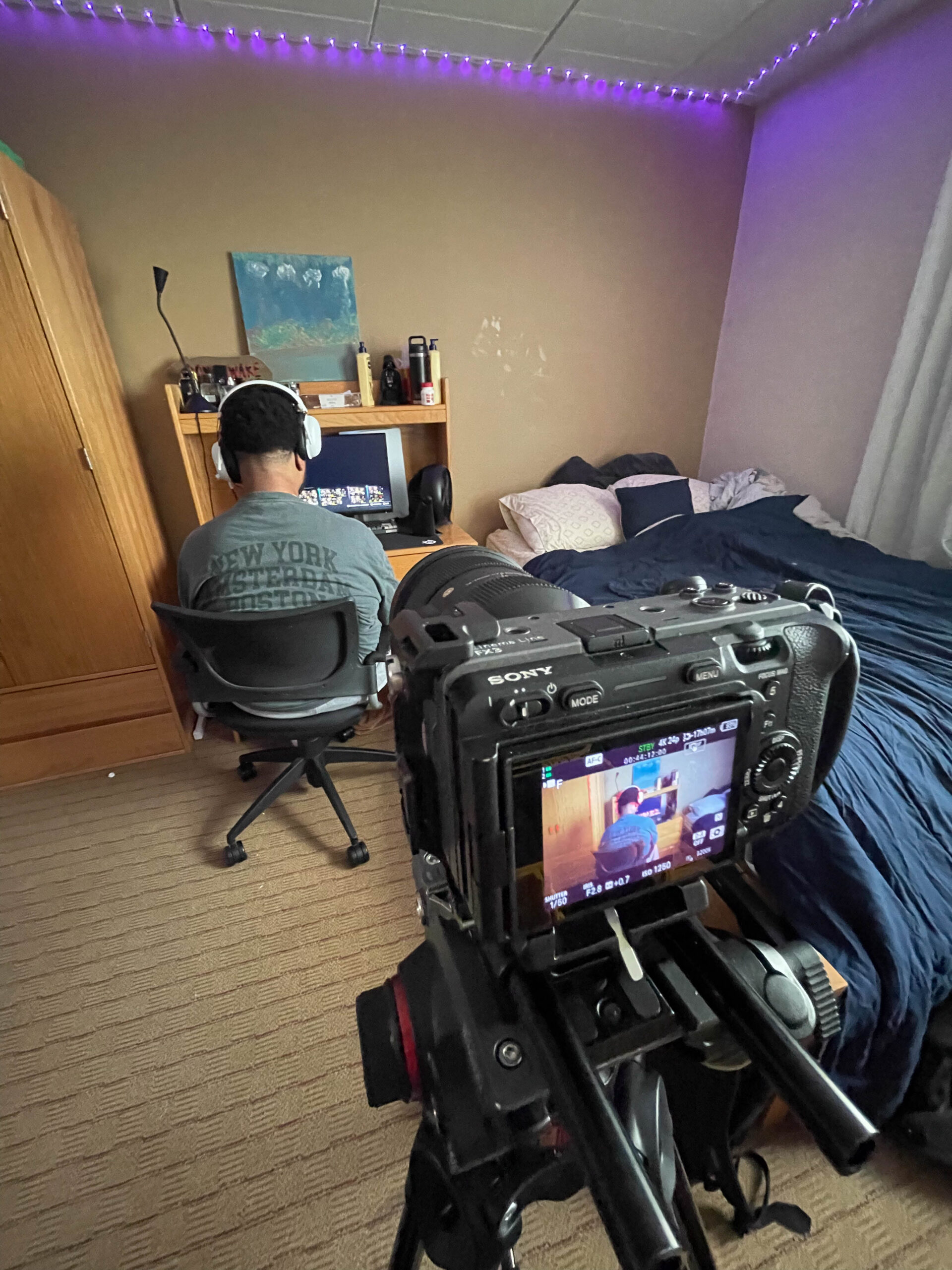
BTS Photos:

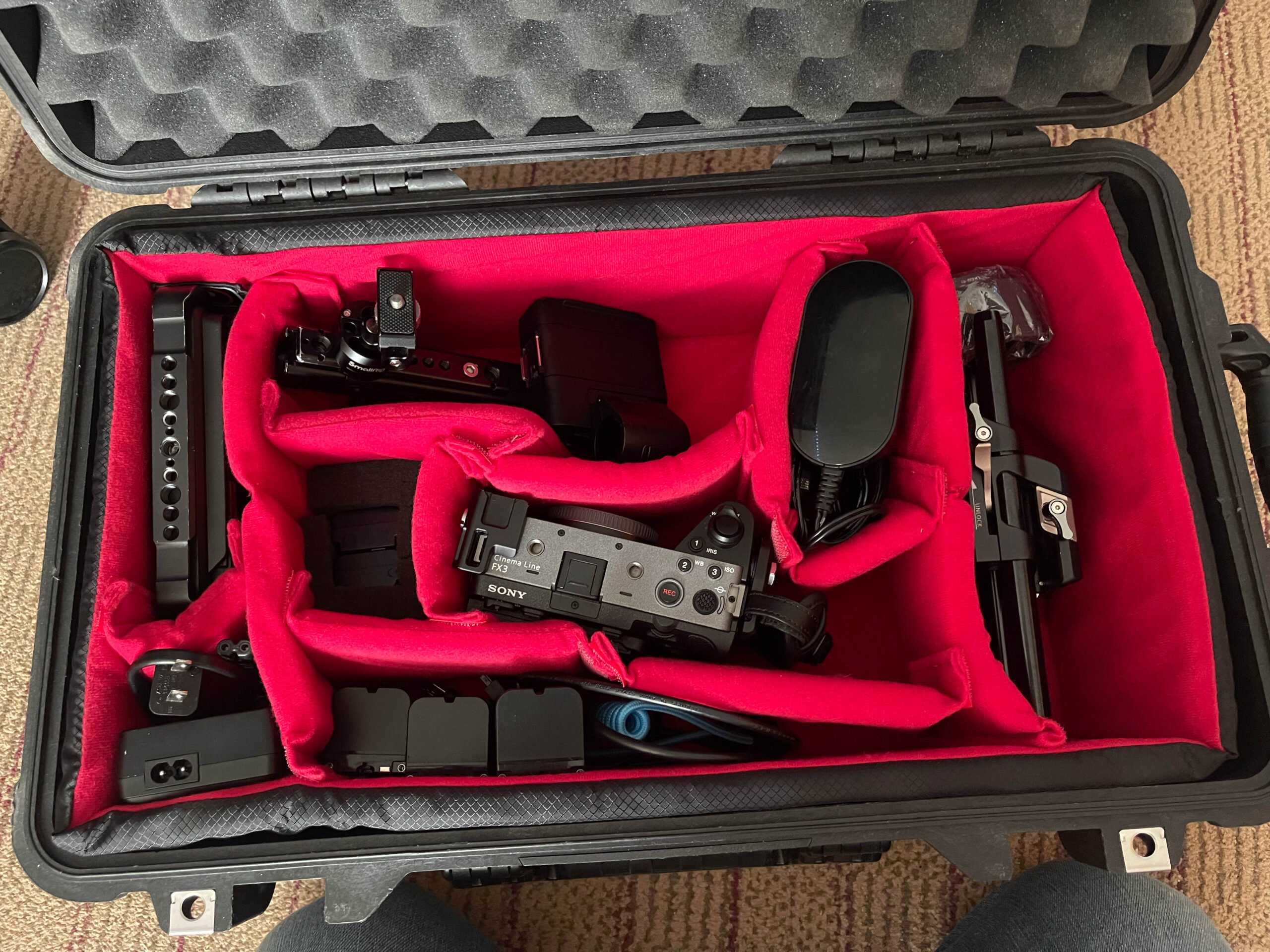
Camera Used/Equipment:

Editing:

Projection


My project is a short video set in a playground environment where a child is explored and observed through the use of a handheld flashlight. I chose to use a flashlight because it allows the light to actively follow and respond to the subject’s movements, turning light into a storytelling tool rather than just illumination. As the child thinks, jumps, sits, climbs, and slides, the shape and focus of the light shifts to match each action, highlighting specific moments and guiding the viewer’s attention. The light not only reveals the space but also creates a playful and dynamic atmosphere that reflects natural childhood behavior, including small imperfections like slipping or sliding back while climbing. By recording these moments, the project captures a simple and familiar experience, while demonstrating how light can shape perception, emphasize action, and transform an ordinary environment into an engaging and immersive story.

Saomi Jimenez Video

  • The rules were followed great! You did a good job on this.
  • My favorite part was the eyeshadow blending. It was very satisfying to watch.
  • If I had to edit something I would have liked to see maybe different angles.
  • The pacing was incredibly fast but it absolutely worked.

Gaige Stebler Video

  • The rules were followed great.
  • My favorite part was when you wrote the title out. That was creative and fit with the theme.
  • I would have added Sid in a little more.
  • The pacing felt completely fine.

Sid Crabtree Video

  • The rules were executed great.
  • My favorite part was the dancing and then when he turned into a bird and then died? 
  • I would have edited the transitions between frames to be only within the aspect ratio of the film.
  • The pacing was great.

Nada Almatani Video

  • The rules were followed great!
  • My favorite part was the scene with the stove. I loved the contrast of the bright fire.
  • I would have made some scenes brighter.
  • It felt a little long, but overall the pacing was good.

Bekzod Nurboev Video

  • The only rule that wasn’t entirely followed was that the shaving cream wasn’t the stick too.
  • My favorite part was the scene where she was eating. I liked the view from above
  • I would have only changed the aspect ratio to horizontal to showcase more of the environment.
  • It was paced very well and nothing felt too short or long to me.

Aileena Sargeant Video

  • The rules were followed, but the video was more funny than uncomfortable.
  • My favorite part was Jason dancing and then dying. 
  • The only thing I would edit would be making the voiceover clearer.
  • I had no problems with the pacing. It was paced very well.

Murrow Gill Video

  • The rules were followed great!
  • My favorite part was it being themed around a cat. 
  • I would edit some shots to be a little brighter as some parts were too dark to really see any details.
  • It was paced well, just would have liked the word cards to be shown a little longer.

Lily Clifford Video

  • Rules were followed effectively
  • My favorite part was the bathroom scene with the faucet. I loved that you made it into a statement about struggling with OCD. It was a painfully accurate representation.
  • I would just edit the 360 shots so they weren’t cut off on the sides.
  • The video was paced well, I just found the car scene to be a little long.
Antonia Valeri Video

  • I think the rules were followed very well. 
  • My favorite part was when “the imperfect human” spoke. It felt more real if that makes sense. I loved the messaging behind it.
  • I would change the font size to be a little bigger as it was a little hard to read. 
  • I found the pacing to be very good for the video.Â