Final project critiques- Lily Clifford

Murro: I think the sound effects worked really well. The shadow was a little distracting.

Aileena: The 360 camera worked well. Its hard to follow when you are controlling the camera angle.

Chrystian: I think the colors fit well with the Pittsburgh theme. Maybe add something to the crowns.

Nikayla: I like the effect with the clock. The video dragged on at times as the logging into the accounts took a while.

Toni: I like the piano sound effect and the cat. Sometimes your legs cut off and weren’t fully in frame.

Ethan: The lighting works very well. Some music would be nice.

Tyler: The projection is clear. The camera was shaky and it was a little distracting.

Bekzod: I like the idea. Maybe add a little more to it.

Sara: The camera angles were good. The lighting got a little messed up but overall it was a great video.

Saomi: The overall idea was very creative. Maybe choose a solid color background.

Sid: I like the idea. Adjusting the speed would help.

Gabby: I liked the different camera angles. Sometimes you looked at the screen.

Noah: I liked the graphics, they were very creative. The animations started floating at the end which was a little distracting.

Gaige: The animation was very good. Adobe messing up was disappointing but the dancing at the end was funny.

Kayla: I like the details in the animation. Add a drop shadow on the posters on the wall.

Gavin: I like the sound effects.

Jana: I like the game concept. Maybe some rules posted would make it easier to understand.
Final Critiques- Antonia Valeri

Lily:

Good: The use of light and the forth wall break

Change: Actors

Gabby:

Good: use of obstructions with the video

change: background noise was a little distracting

Muro :

Good: sound effects for the stop motion

change: just getting ride of extra shadows

Aileena:

Good: I like how you can move the camera because it was filmed with the 360 camera

Change: played with the audio a little more

Chrystian:

Good: very user friendly

Change: change the background when the instructions pop up, so it is easier to read

Nikayla:

Good: I liked the use of overlaying the clock with the game play

Change: I would change the timing on logging into the assignment

Ethan:

Good: the light really brings the photos to life

Change: audio added Screen

Tyler:

Good: the projection was good

Change: get a tripod

Beckzod:

Good:the concept of actually doom scrolling

Change: make a stop motion with the photos

Sara:

Good: the different camera angles were good

Change: the lighting

Saomie:

Good: very good use of the characters

Change: the background if you change anything

Sid:

Good: I like the concept

Change: the Frame rates

Noah:

Good: I like the multimedia use of this project

Change: keep the drawing consistent

Gage:

Good: the animation style was very unique

change: would love to see more animation


Kayla:

Good: the lighting transitions were good

Change: draw the posters to match the rest of the animation

Gavin:

Good: I like the concept

Change the walking sound to only when the character is walking

The Wrong Move – Sara Krim 4D Final

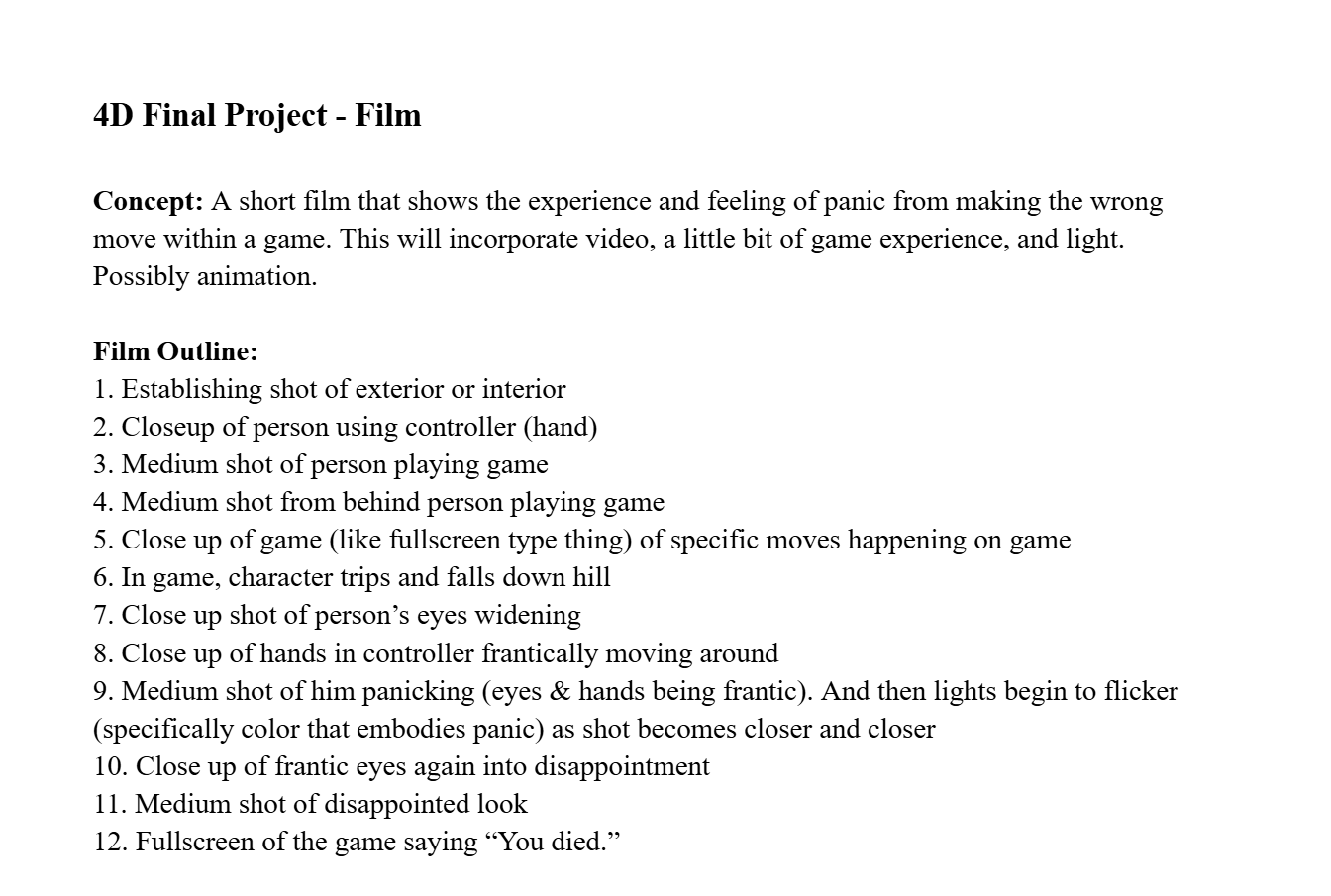
A short film that shows the experience and feeling of panic from making the wrong move within a game.

Google folder with all content: https://drive.google.com/drive/u/1/folders/1cYx7vD6xTK4fu4dVKKLlmjcFtafoTiMF

The Film: https://drive.google.com/file/d/1pTbi_AB0jXx9rs-h9lcr-2gMEM7LstUT/view?usp=drive_link

Process

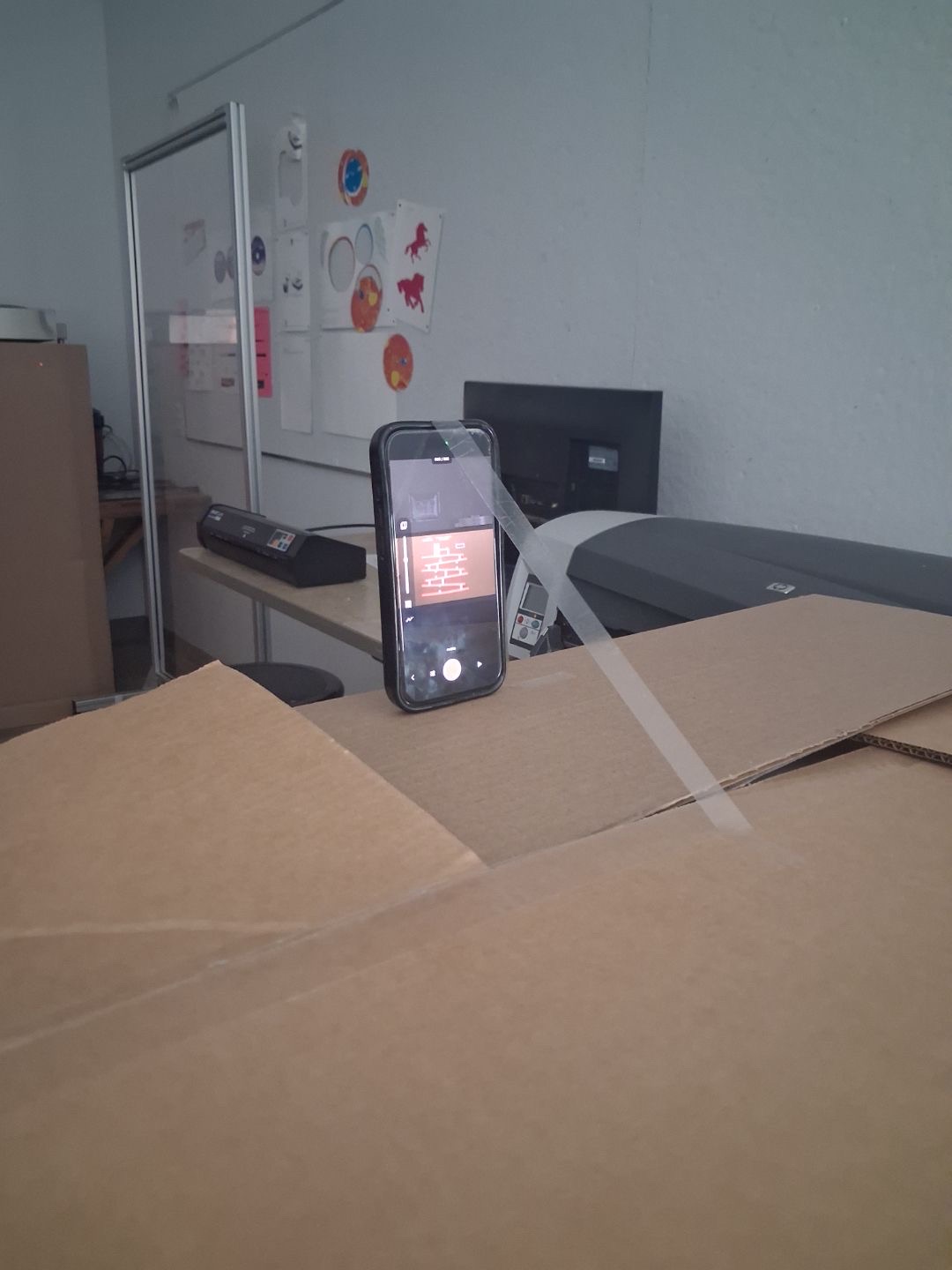
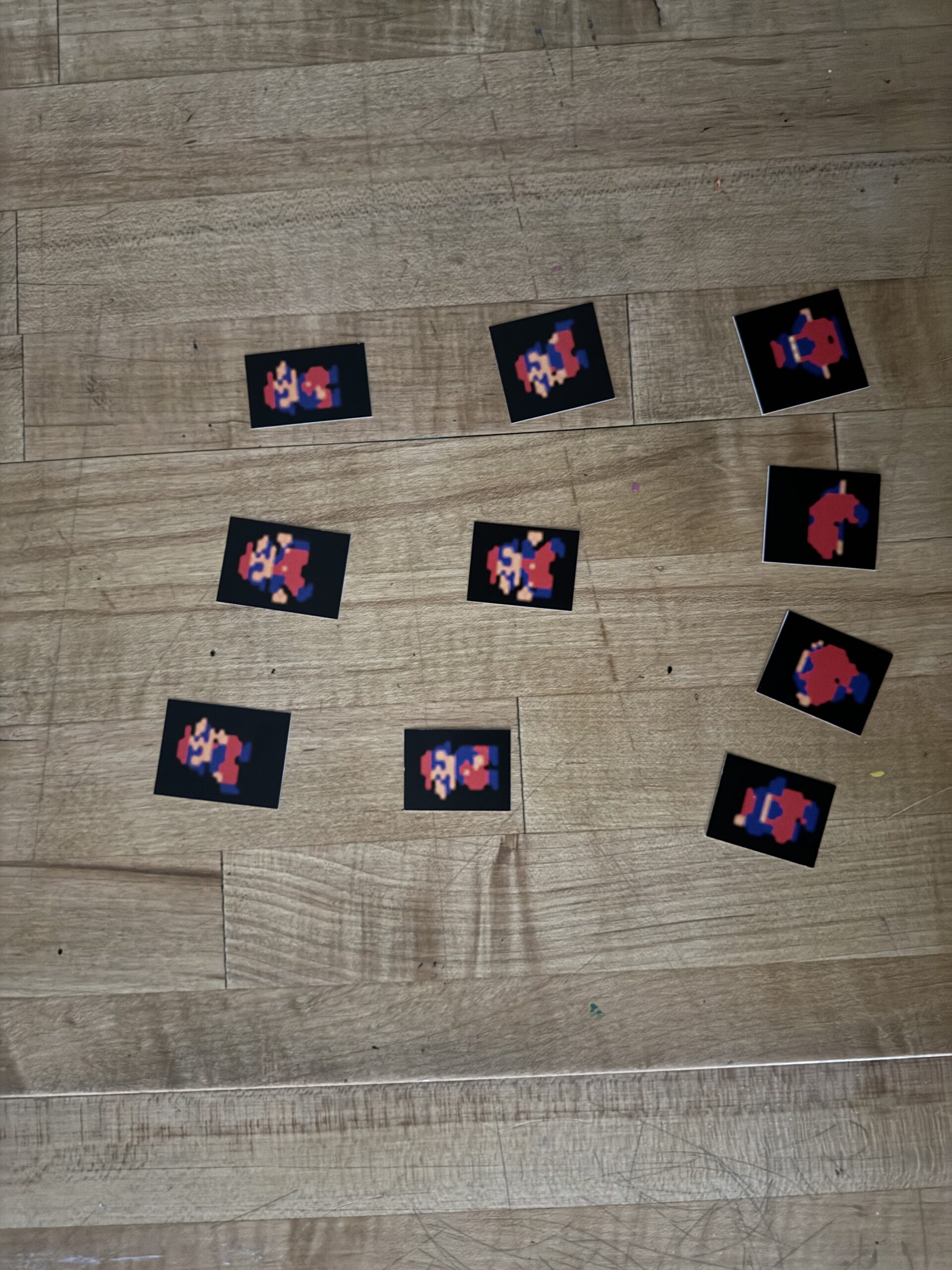
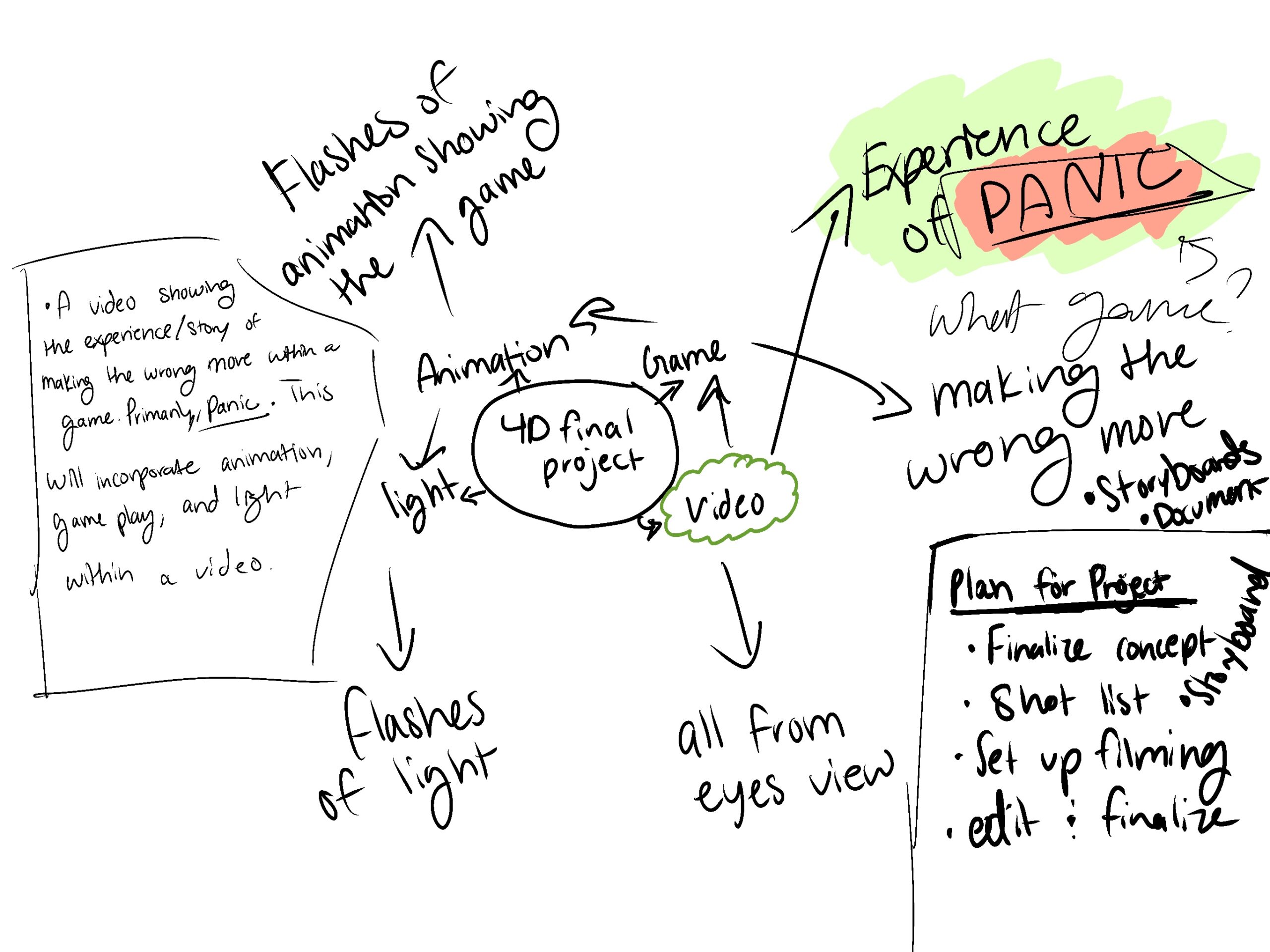
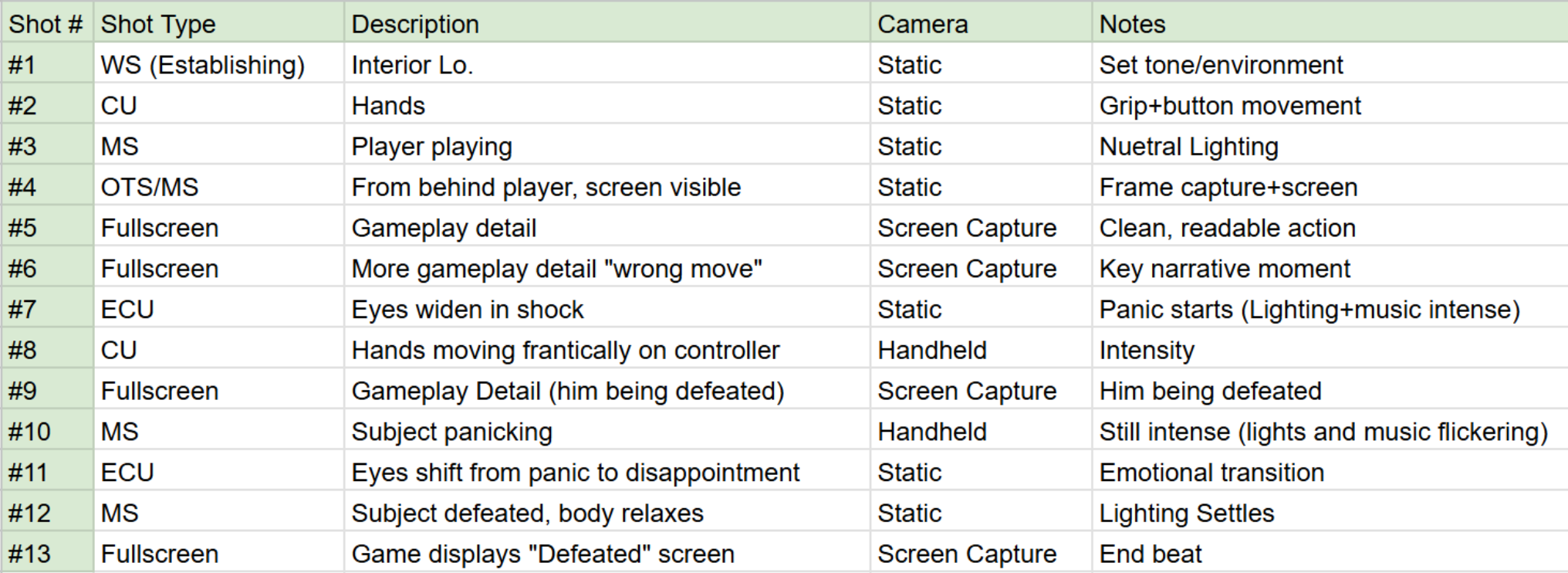
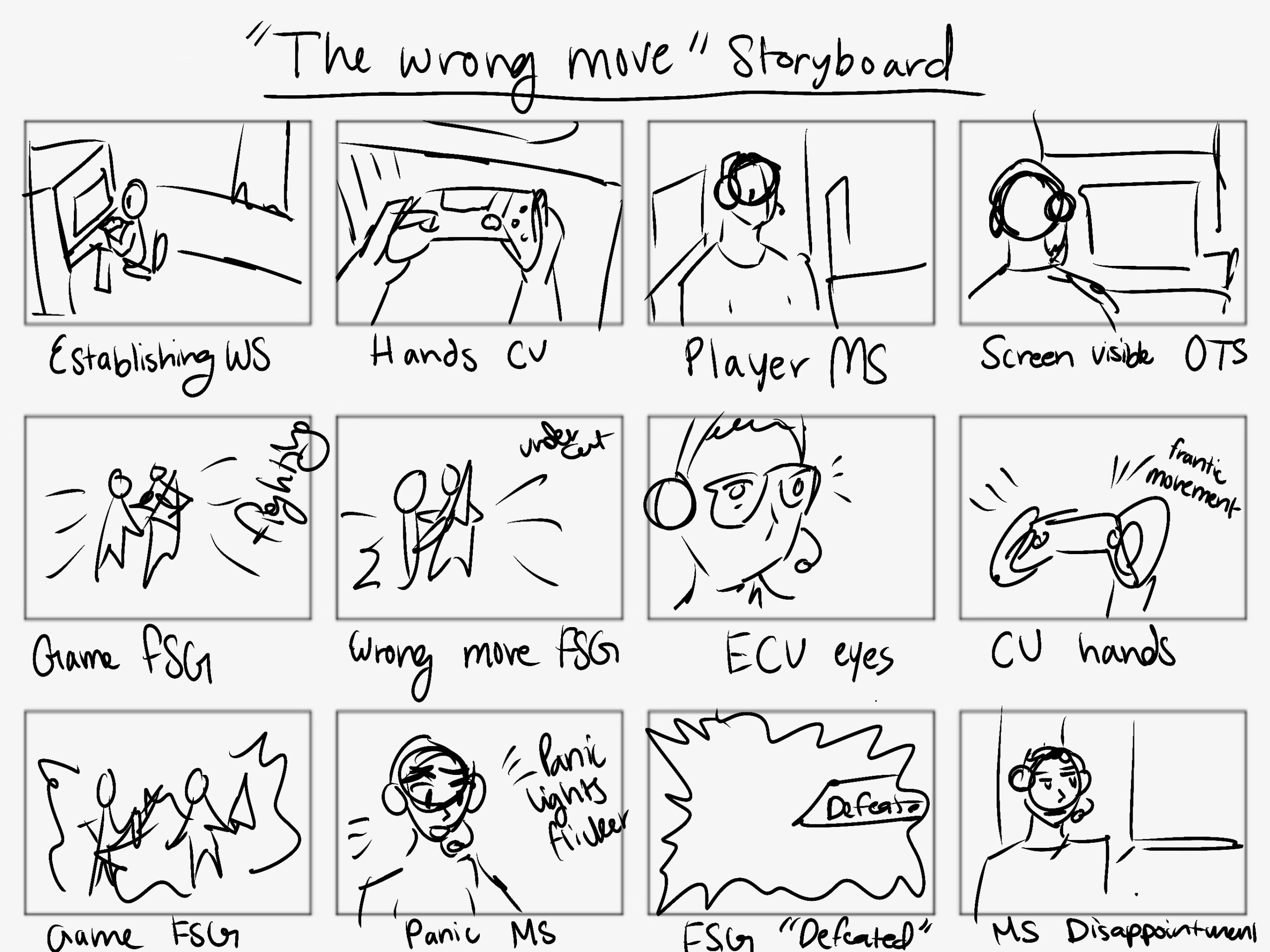
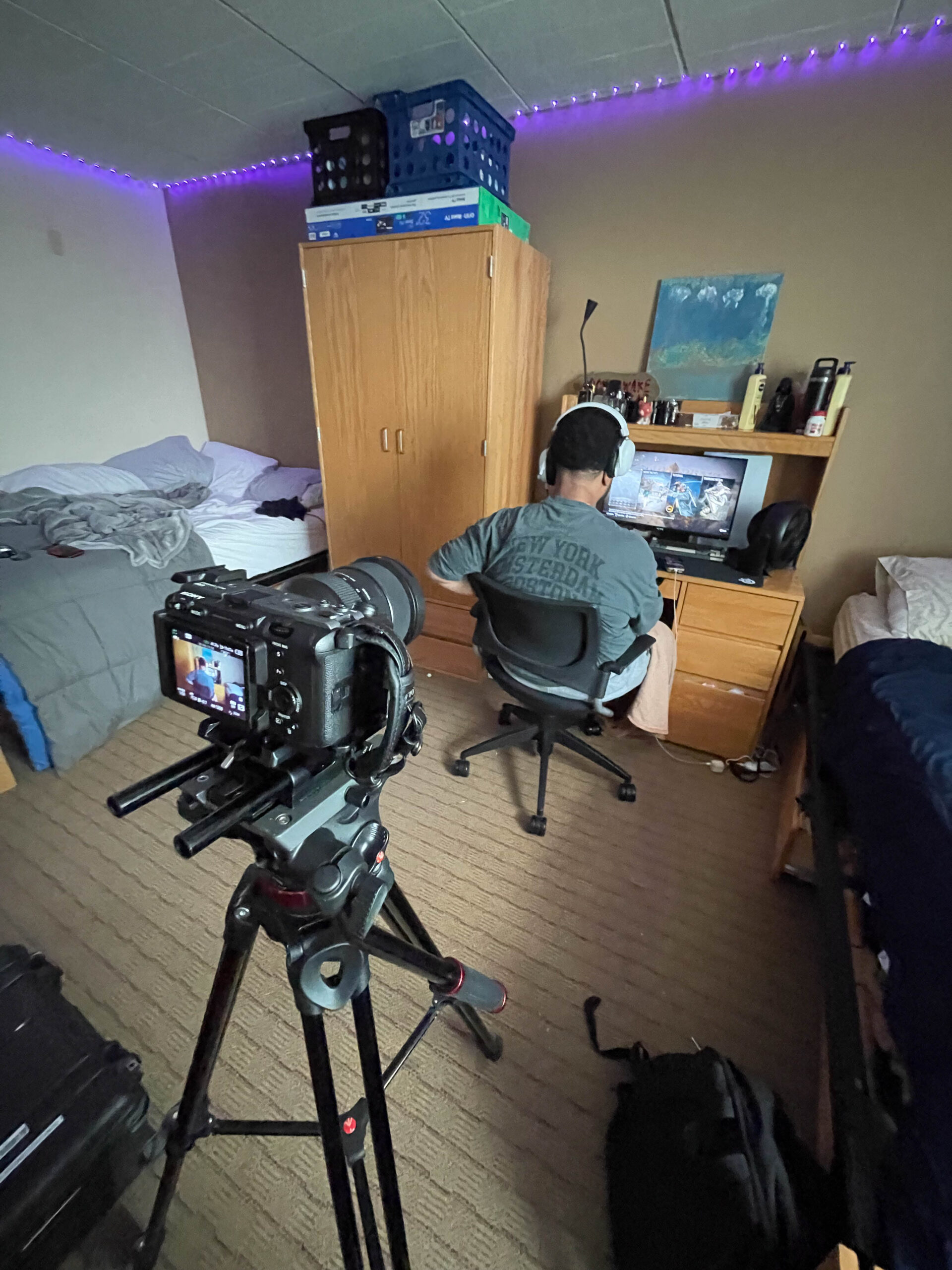
Throughout making this short film, this was my process. I started off with creating my mind map, and I really wanted to try and incorporate as many topics as I could. I ended up incorporating video and performance, game experience, and lighting. Once getting the concept down, I came up with an outline of shots for the film and made it into a professional shot list for filming. I also created a storyboard to envision how I wanted the film to look like. I then found an actor with a good location to use, got the camera and equipment, and set up production. 

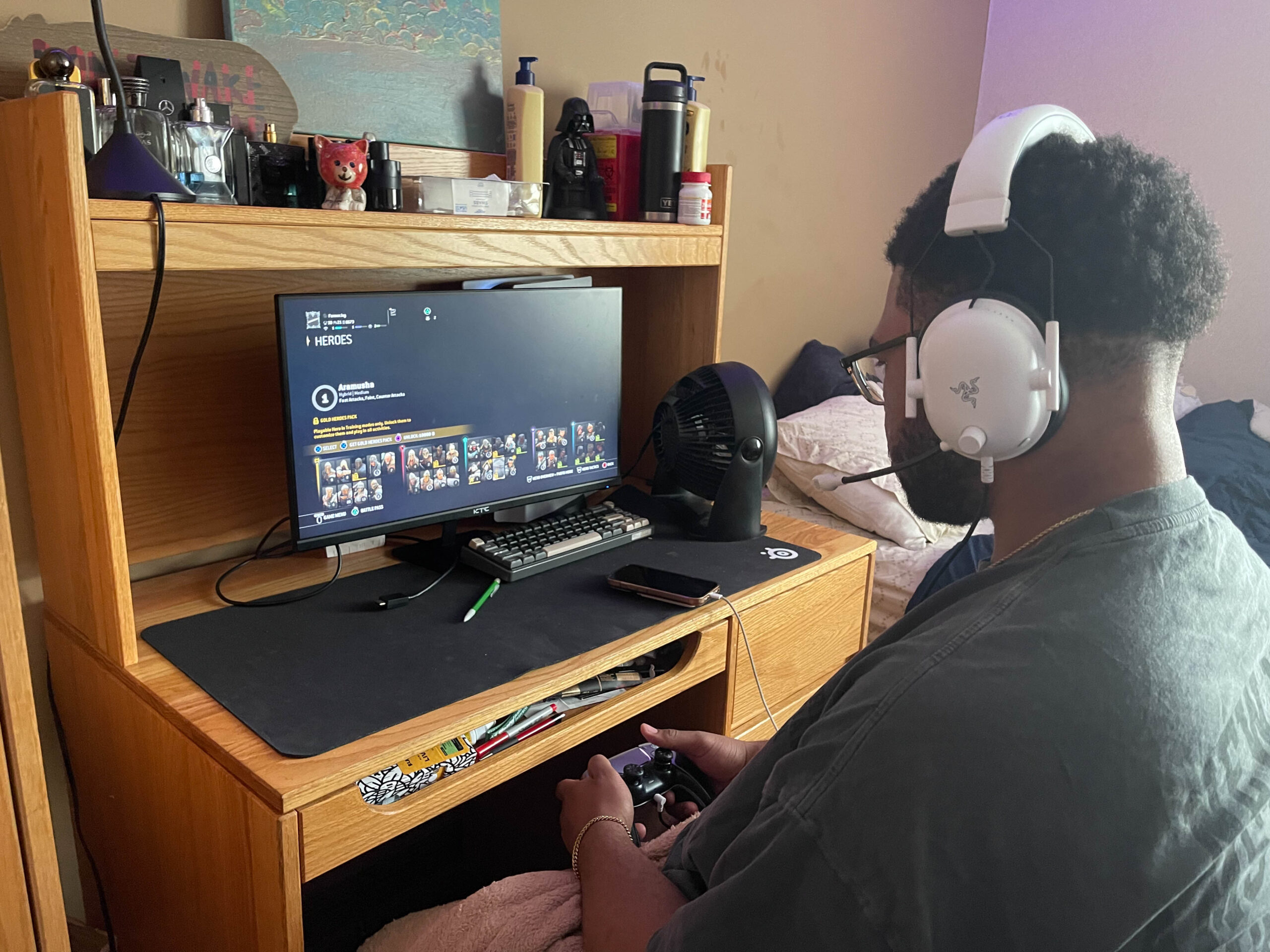
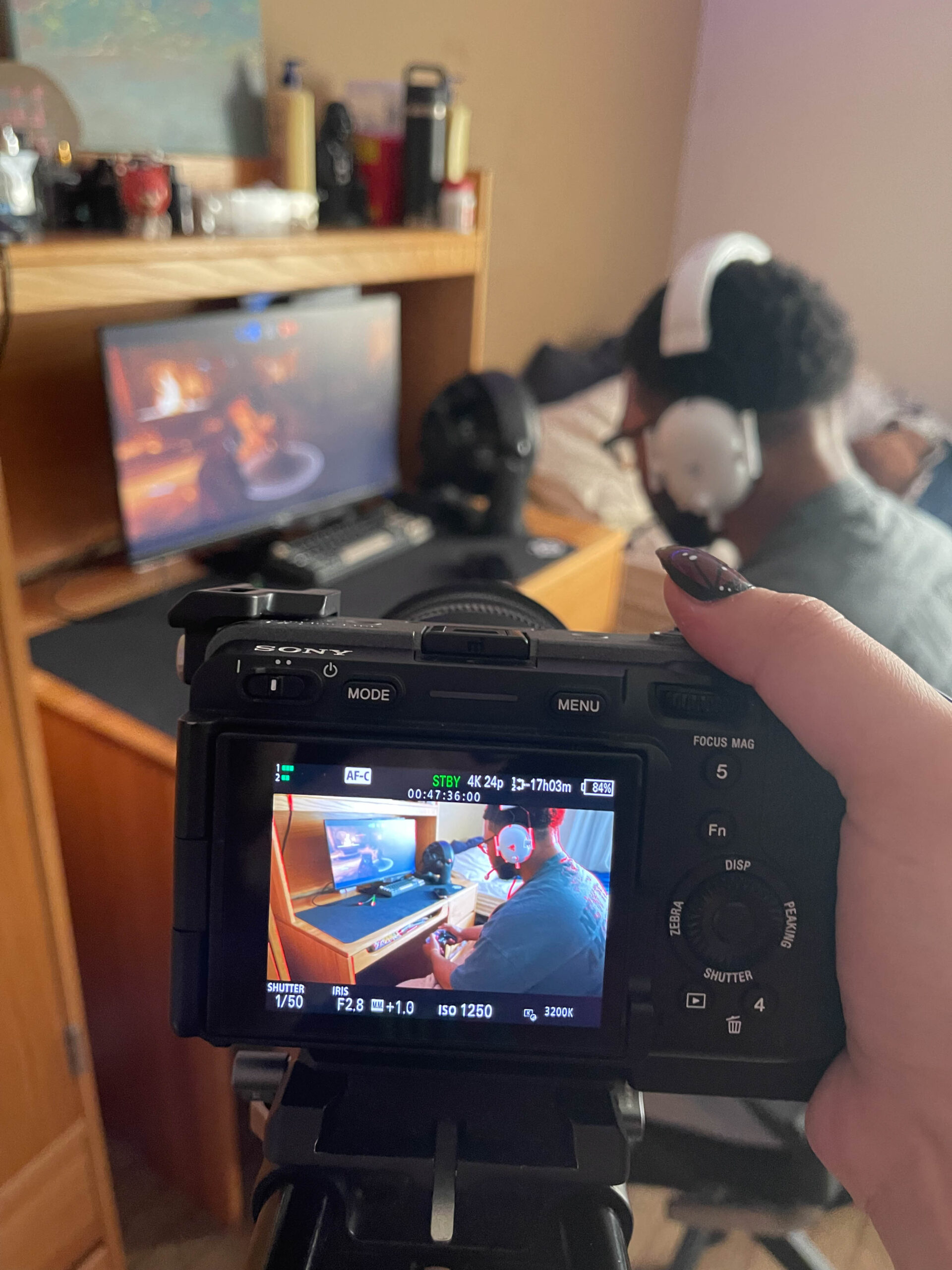
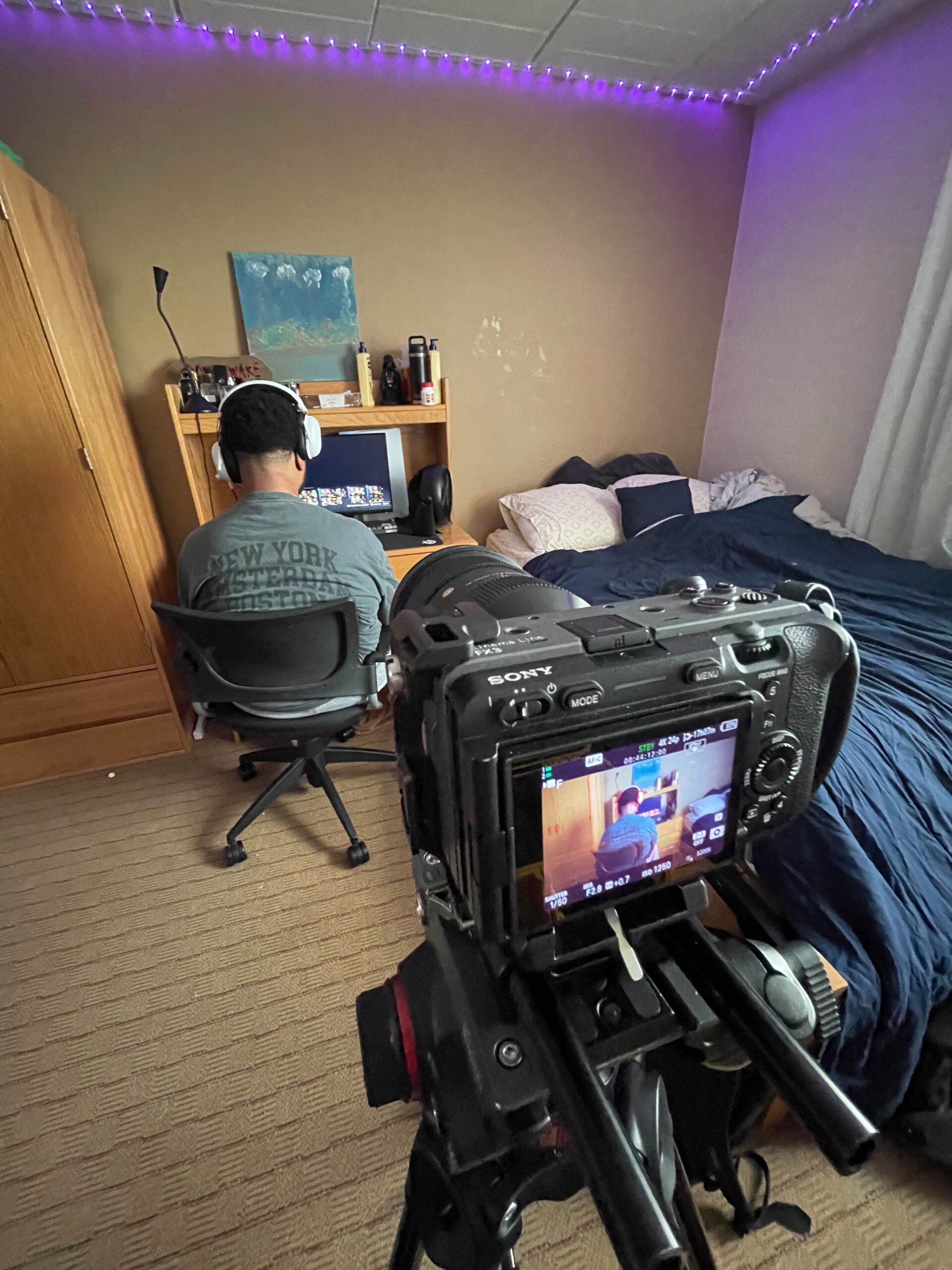
During filming, I used natural lighting, and used a mix of static, screen capture, and handheld movement. I also did a variety of shot styles in accordance to what was happening. For example, when the “panic” started, I utilized an extreme close up of the actors eyes. I followed the shot list with the freedom to get a mixture of not mentioned shots as well. 

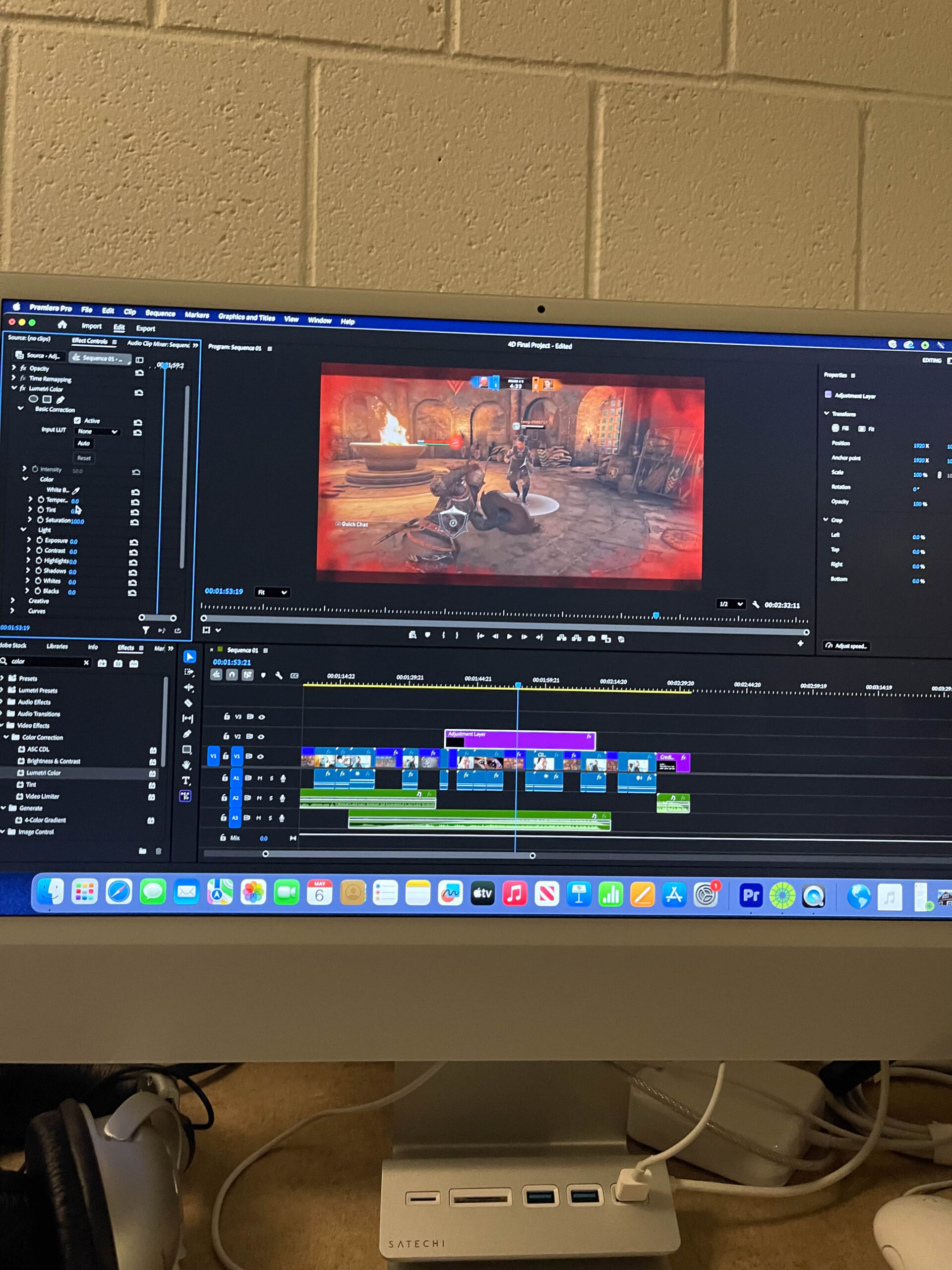
Once editing the footage, I was able to put the timeline of footage together and manipulate light and sound to fit accordingly. I used Adobe Premiere Pro, and learned how to use adjustment layers for the flickering and intensity of light to encapsulate the “panic” feeling, and ultimately the switch to defeat at the end. 

Overall, this process allowed me to translate conceptual ideas into a structured visual narrative while experimenting with lighting, performance, and editing techniques to enhance emotional impact. 

Documentation

Mind Map:

Concept and Film Outline:

Shot List:

Storyboard:

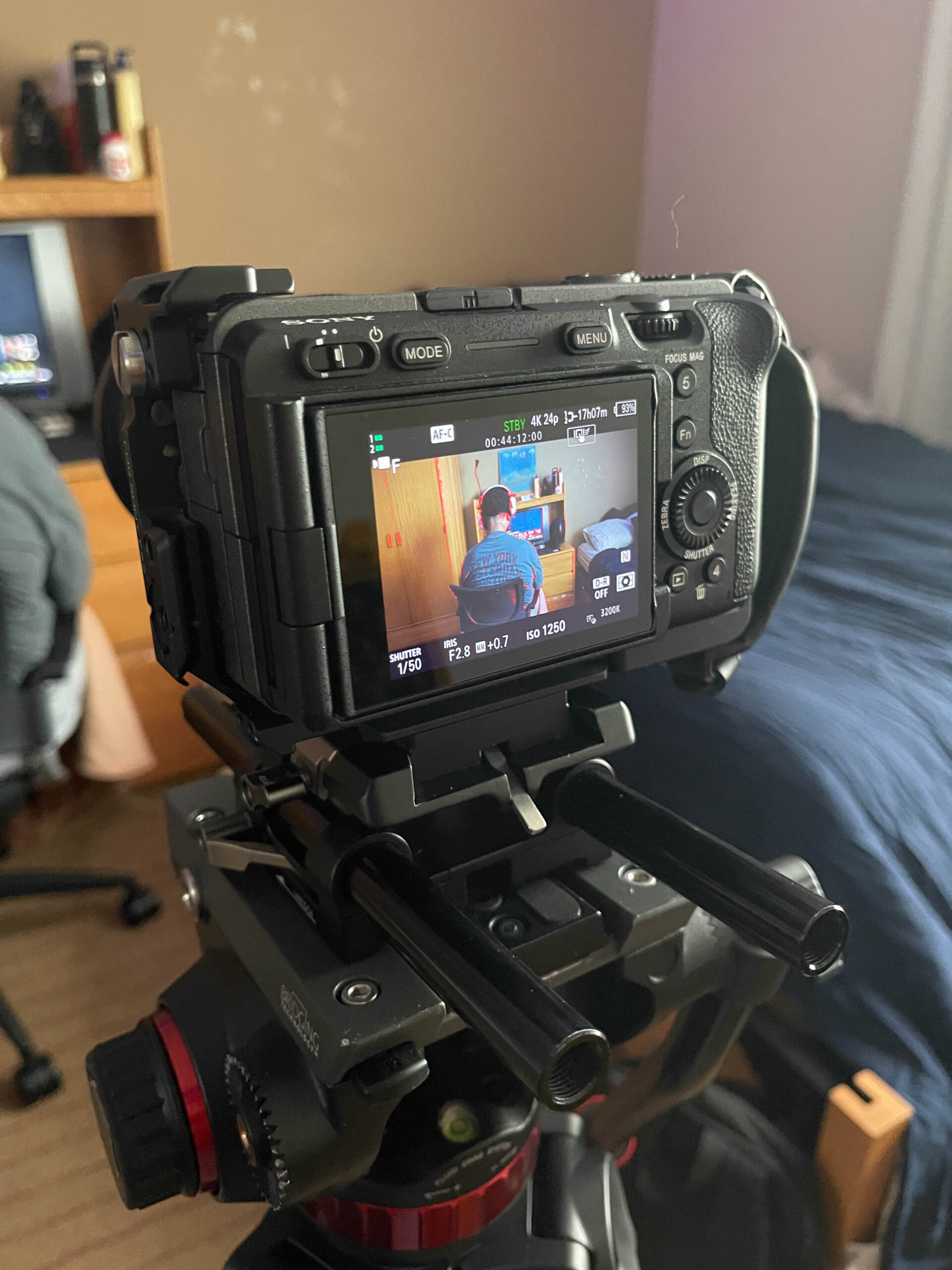
BTS Photos:

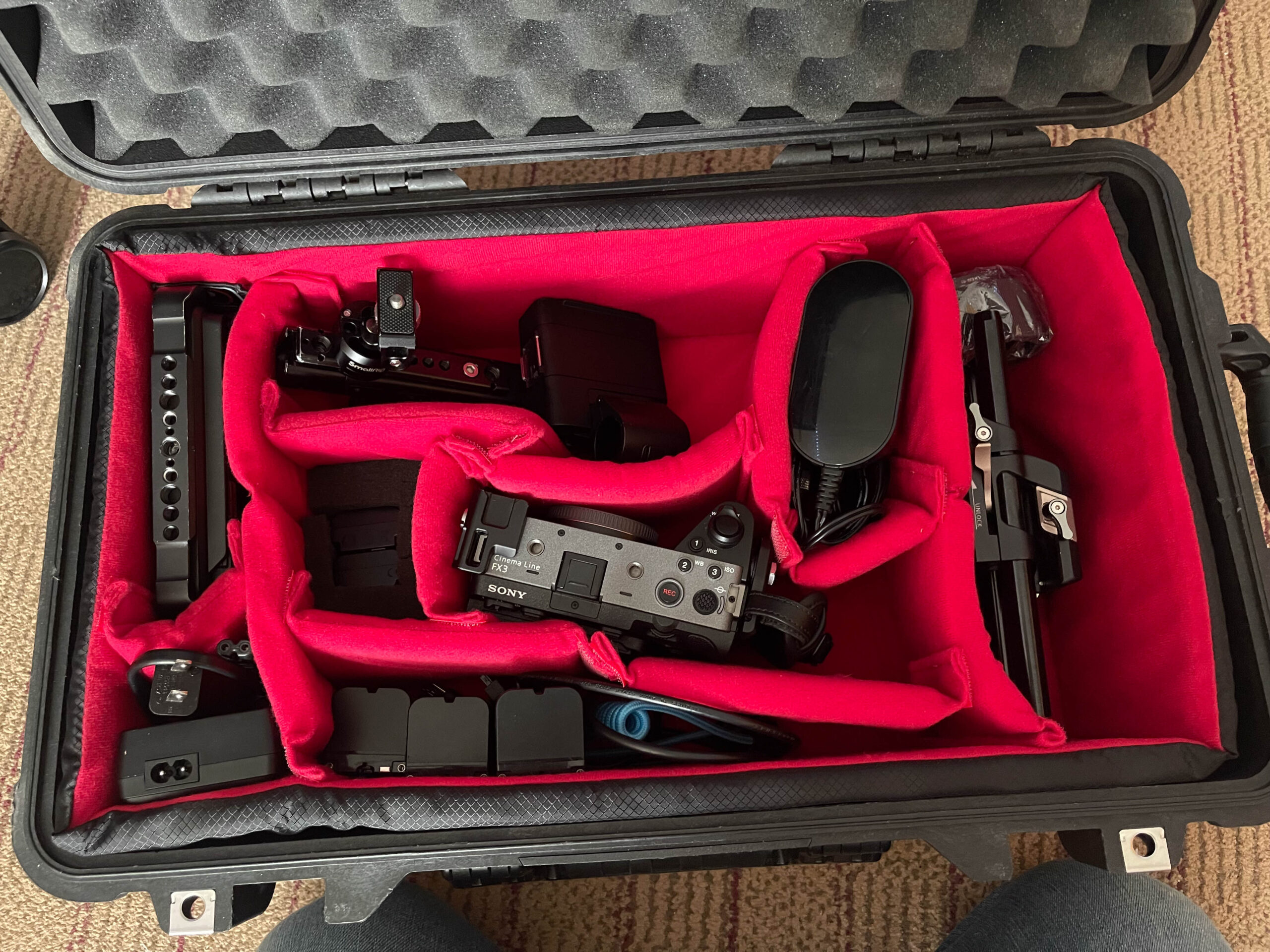
Camera Used/Equipment:

Editing: